What Is My IP Address? How to Check Public and Private IP
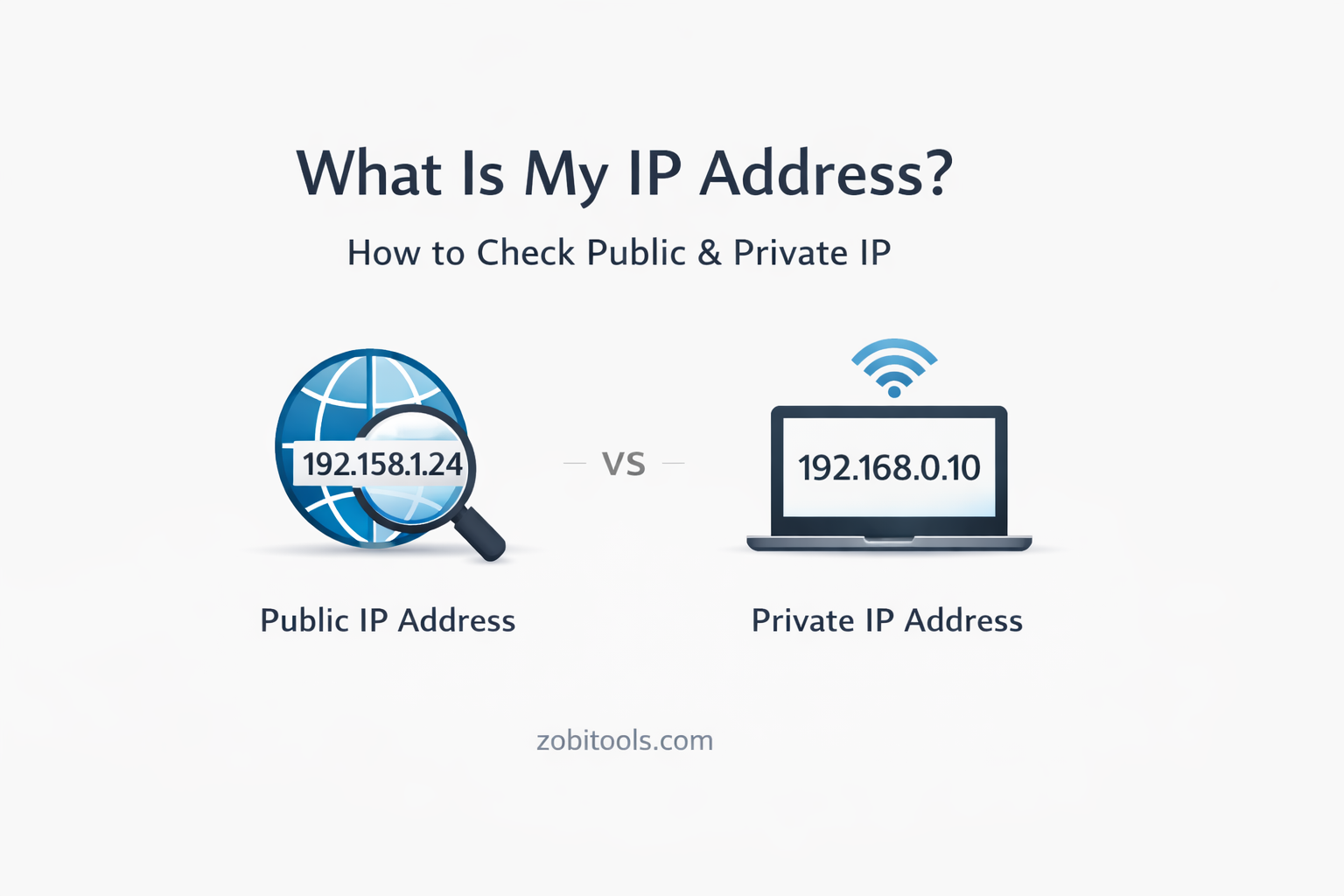
Figure: Public and Private IP Address Overview
In today’s digital world, every device connected to the internet has a unique identity known as an IP address. Whether you’re browsing a website, using an app, or accessing an online tool, your IP address works silently in the background to make communication possible.
In this guide, you’ll learn what an IP address is, the difference between public and private IP addresses, and how to check your IP easily.
What Is an IP Address?
An IP address (Internet Protocol address) is a unique numerical identifier assigned to a device connected to a network. It allows devices to send and receive data over the internet or a local network.
Think of it like:
- A home address — but for your device
- Used to identify where data should be delivered
192.168.1.1
Types of IP Addresses
There are two main types of IP addresses you should know about:
🌐 Public IP Address
A public IP address is assigned by your Internet Service Provider (ISP). It is visible to websites and online services.
Key Points:- Used to communicate with the internet
- Globally unique
- Can be dynamic (changes) or static (fixed)
🏠 Private IP Address
A private IP address is used inside your local network (home, office, Wi-Fi).
Common Private IP Ranges:- 192.168.x.x
- 10.x.x.x
- 172.16.x.x – 172.31.x.x
- Not visible on the internet
- Used for communication between local devices
- Assigned by your router
Public IP vs Private IP
| Feature | Public IP | Private IP |
|---|---|---|
| Visibility | Internet-wide | Local network only |
| Assigned By | ISP | Router |
| Uniqueness | Globally unique | Reused in networks |
| Example | 8.8.8.8 | 192.168.0.1 |
How to Check Your Public IP Address
The easiest way to check your public IP address is by using an online IP lookup tool.
Steps:- Open an IP Address Lookup tool
- Your public IP is detected automatically
- View details such as:
- Country
- City
- ISP
- IP version (IPv4 / IPv6)
How to Check Your Private IP Address
On Windows
- Open Command Prompt
- Type
ipconfig - Look for IPv4 Address
On macOS / Linux
- Open Terminal
- Type
ifconfig - Find the local IP under your active network
On Mobile
- Go to Wi-Fi settings
- Tap your connected network
- View IP address details
Why Knowing Your IP Address Is Important
Understanding your IP address helps with:
- 🛠 Network troubleshooting
- ⚙️ Setting up routers and servers
- 🔐 Improving online security
- 🌍 Accessing region-restricted services
- 📊 Website analytics and diagnostics
Is It Safe to Share Your IP Address?
Sharing your public IP address is generally safe, but it can expose:
- Approximate location
- ISP information
FAQs
What is my IP address right now?
You can instantly check your current public IP using an online IP lookup tool.
Does my IP address change?
Yes, most ISPs assign dynamic IPs that change over time.
- Public IP: ❌ No
- Private IP: ✅ Yes (on different networks)
Conclusion
Your IP address is a fundamental part of how the internet works. Knowing the difference between public and private IP addresses helps you stay informed, secure, and technically confident. Checking your IP is quick, free, and useful for both beginners and advanced users.
Check Your IP Address Instantly
Use our free IP Lookup Tool to find your public IP, location, ISP, and IP version in seconds.
Open IP Lookup Tool