UNIX Timestamp vs Human-Readable Date: Differences, Examples, and Use Cases
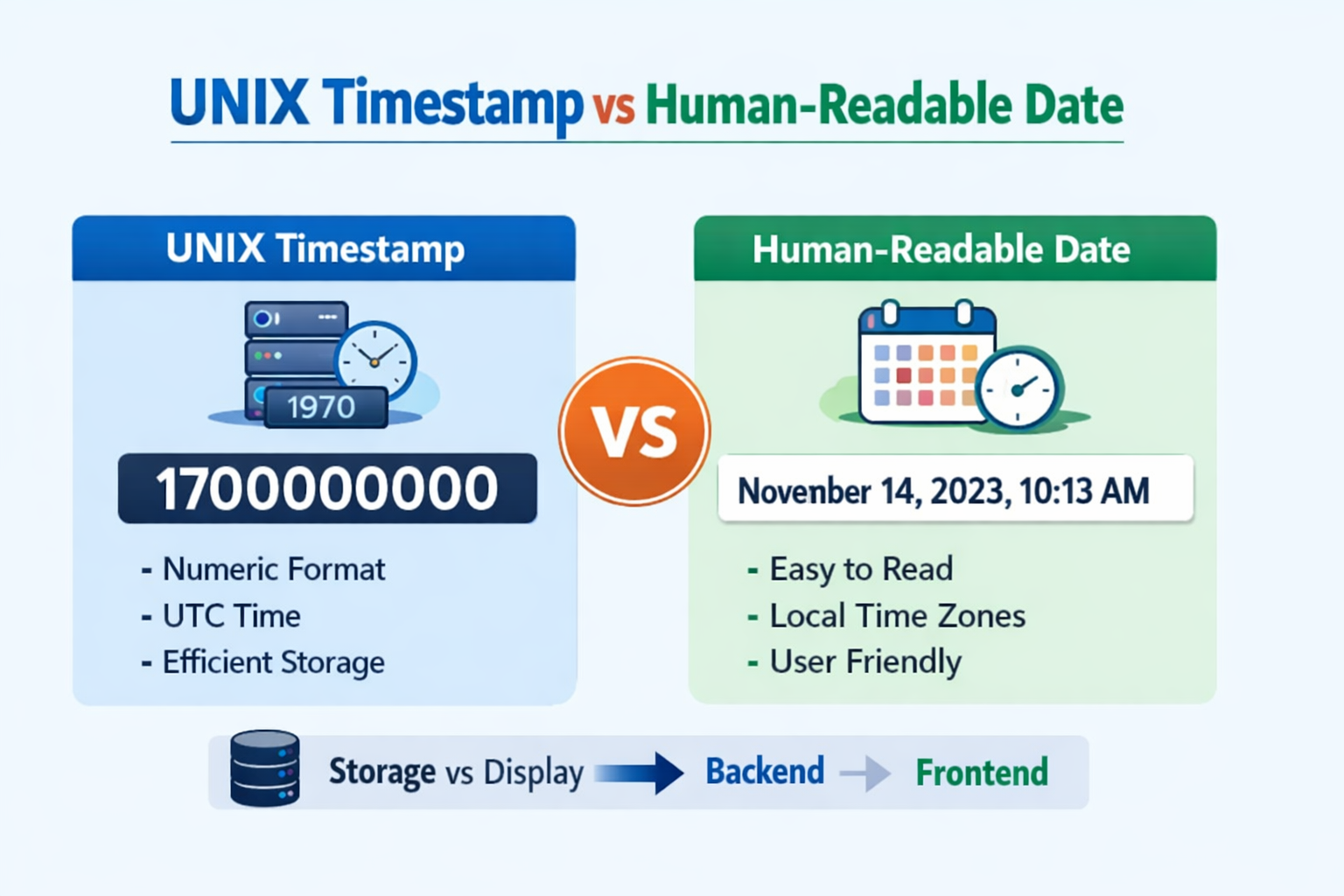
Figure: UNIX Timestamp vs Human-Readable Date
Dates and time are crucial to the development of modern software, databases, APIs, and operating systems.
There are two main types of time representation:
- UNIX timestamps
- Human-readable dates
Although both represent the same concept — time — they differ significantly in format, usage, and purpose.
Our goal in this article is to explain the differences between UNIX timestamps and human-readable dates, and clarify when and why each is used.
What Is a UNIX Timestamp?
A UNIX timestamp (also called Epoch time) is the number of seconds that have passed since:
January 1, 1970, 00:00:00 UTC
It is stored as a single integer and does not depend on time zones.
1700000000
This number represents a specific moment in time globally.
Key Characteristics of UNIX Timestamp
- Always numeric
- Time zone independent (UTC-based)
- Easy for computers to store and compare
- Commonly used in APIs, databases, and backend systems
What Is a Human-Readable Date?
A human-readable date is a formatted date and time that people can easily understand.
Example of Human-Readable Date November 14, 2023, 10:13:20 AM
These formats can vary depending on:
- Country
- Language
- Time zone
- Application requirements
Common Human-Readable Formats
YYYY-MM-DD→ 2026-01-24DD/MM/YYYY→ 24/01/2026MM-DD-YYYY→ 01-24-2026ISO 8601→ 2026-01-24T17:00:00Z
UNIX Timestamp vs Human-Readable Date
| Feature | UNIX Timestamp | Human-Readable Date |
|---|---|---|
| Format | Numeric | Text-based |
| Readability | ❌ Hard for humans | ✅ Easy for humans |
| Time Zone | UTC only | Local or UTC |
| Storage | Efficient | Less compact |
| Sorting | Very fast | Needs parsing |
| Best For | Systems, APIs, databases | UI, reports, logs |
Why Do Computers Prefer UNIX Timestamps?
- Easy comparison (greater / less than)
- No localization issues
- Consistent across systems
- Minimal storage size
- Ideal for calculations (adding or subtracting time)
Because of this, UNIX timestamps are widely used in:
- Backend servers
- Authentication systems
- Logging
- Event scheduling
- Distributed systems
Why Do Humans Prefer Human-Readable Dates?
- Easy to understand at a glance
- Match local time zones
- Better for UX/UI
- Reduce confusion in reports and dashboards
This makes them ideal for:
- Website interfaces
- Emails and notifications
- Admin panels
- Analytics reports
Real-World Use Cases
When to Use UNIX Timestamp
- API responses
- Database storage
- Token expiration times
- Event tracking
- Cache expiration
- Server-to-server communication
When to Use Human-Readable Date
- Blog post dates
- User activity logs
- Email notifications
- Legal documents
- Reports and dashboards
Published on: January 24, 2026
Best Practice: Use Both Together
The most effective approach is to store time as a UNIX timestamp and display it as a human-readable date.
Backend stores: 1700000000
Frontend converts it to: November 14, 2023
User sees: A readable date
System keeps: Efficient data
This approach ensures performance, accuracy, and usability.
Common Mistakes to Avoid
- Storing formatted dates in databases
- Ignoring time zones
- Mixing local time with UTC without conversion
- Comparing date strings instead of timestamps
Frequently Asked Questions (FAQ)
Is the UNIX timestamp always in seconds?
Most systems use seconds, but some (like Date.now() in JavaScript) use milliseconds.
Can UNIX timestamps expire?
No, but 32-bit systems face the Year 2038 problem. Modern systems use 64-bit timestamps.
Is UNIX timestamp better than date strings?
For computers, yes. For humans, no — that’s why both are used together.
Conclusion
UNIX timestamps and human-readable dates are both critical elements of modern applications.
A UNIX timestamp provides speed, consistency, and reliability, while a human-readable date provides clarity and usability.
Best practice:
- 👉 Store time as UNIX timestamps
- 👉 Display time in human-readable formats
If you’re working with dates, conversions, or timestamps, using the right format at the right place will make your system more efficient and user-friendly.
Final Thoughts
UNIX timestamps provide speed and consistency, while human-readable dates provide clarity and usability.
The smartest systems always use both.
Working With Timestamps?
Store timestamps efficiently and display them in a way humans understand.
Open Timestamp Converter