JSON Formatter vs JSON Minifier: Differences Explained
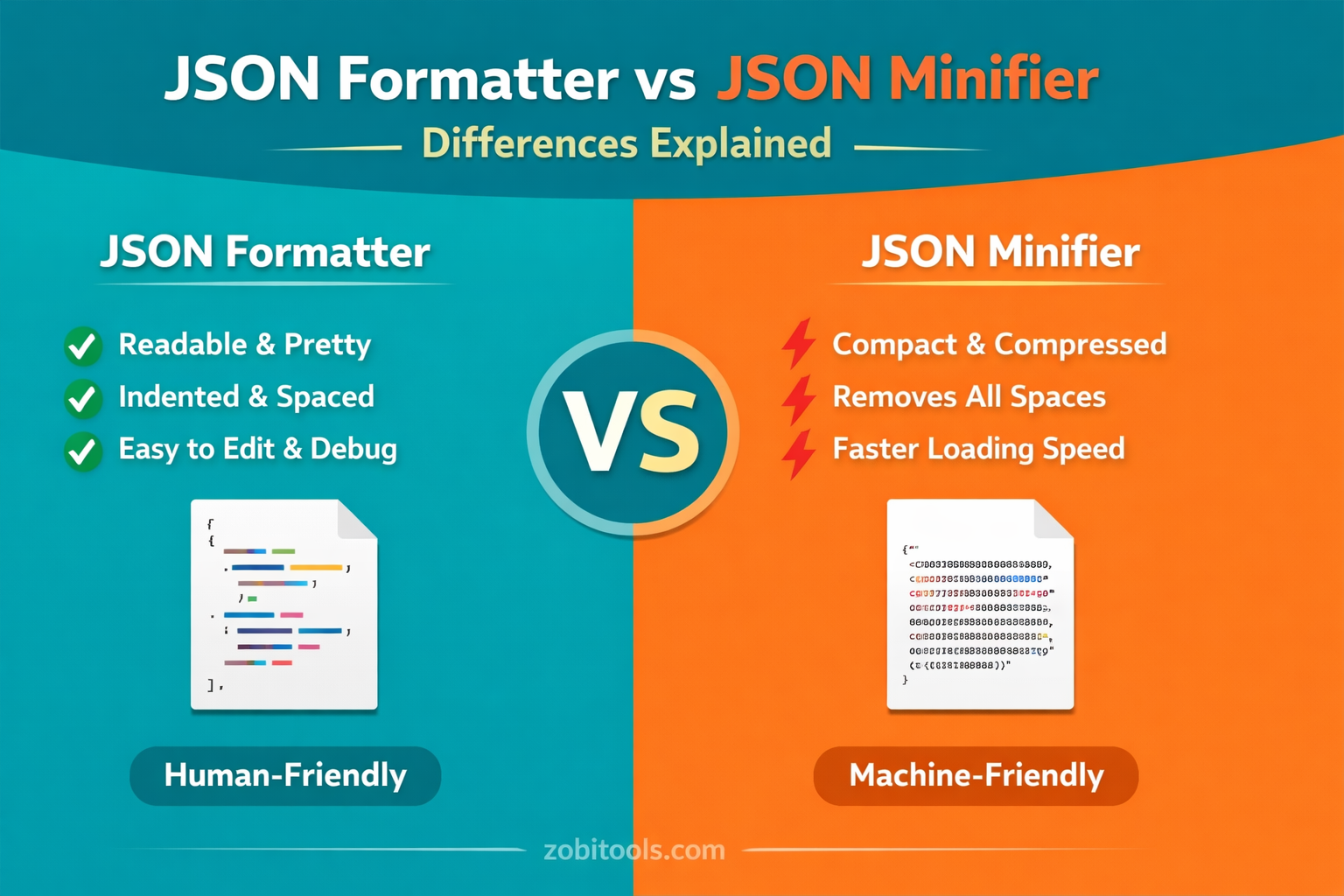
Figure: JSON Formatter vs JSON Minifier comparison
In recent years, JSON (JavaScript Object Notation) has become one of the most widely used data formats in web development. Whether you're working with APIs, configuration files, or databases, both readability and file size play a critical role.
That’s where JSON Formatter and JSON Minifier come in.
Although both tools operate on the same data, their purposes are completely different. This guide explains JSON Formatter vs JSON Minifier, how they work, when to use each, and why developers rely on both for efficient workflows.
What Is JSON Formatting?
JSON formatting (also known as pretty printing) is the process of structuring raw JSON data into a clean, human-readable format.
A JSON Formatter:
- Adds indentation and line breaks
- Organizes nested objects clearly
- Makes debugging and editing easier
{
"name": "John",
"age": 30,
"skills": ["JavaScript", "Node.js"]
}
When to Use a JSON Formatter
- Debugging API responses
- Reading complex JSON files
- Learning or teaching JSON structure
- Editing configuration files
- Fixing invalid or messy JSON
What Is JSON Minification?
JSON minification is the process of removing unnecessary characters from JSON data without changing its meaning.
A JSON Minifier:
- Removes spaces and line breaks
- Shrinks file size
- Improves data transfer speed
{"name":"John","age":30,"skills":["JavaScript","Node.js"]}When to Use a JSON Minifier
- Sending JSON over networks
- Improving website or app performance
- Reducing API response size
- Production environments
JSON Formatter vs JSON Minifier (Key Differences)
| Feature | JSON Formatter | JSON Minifier |
|---|---|---|
| Purpose | Readability | Performance |
| Output | Structured & indented | Compact & compressed |
| File Size | Larger | Smaller |
| Best For | Debugging, editing | Production, APIs |
| Human-Friendly | ✅ Yes | ❌ No |
| Machine-Friendly | ✅ Yes | ✅ Yes |
How JSON Formatter and Minifier Work Together
In real-world development, both tools are used at different stages:
Development Stage
- Use a JSON Formatter to read, edit, and debug data
Production Stage
- Use a JSON Minifier before sending data to users or servers
👉 This workflow ensures both clarity and performance.
Common Use Cases
API Development
- Formatter: Inspect API responses
- Minifier: Send optimized responses to clients
Web Applications
- Formatter: Debug frontend data
- Minifier: Reduce payload size
Configuration Files
- Formatter: Easy maintenance
- Minifier: Rarely needed
The right choice depends on your goal:
Choose JSON Formatter if you want:
- Clear, readable data
- Easy debugging
- Structured editing
Choose JSON Minifier if you want:
- Faster loading
- Smaller file sizes
- Optimized performance
👉 Many online tools allow you to format and minify JSON instantly with one click.
Common Mistakes to Avoid
- Using minified JSON for debugging
- Formatting JSON in production APIs
- Editing large minified JSON manually
- Forgetting to validate JSON before minifying
FAQs
Does JSON minification affect data?
No. Minification only removes whitespace and formatting — not the actual data.Can formatted JSON be minified again?
Yes. JSON formatting and minification are fully reversible.Is minified JSON faster?
Yes. Smaller file sizes improve transfer speed, especially across networks.SEO Tip (Important)
Inside this article, consider adding internal links such as:
- JSON Formatter Tool
- Fix Invalid JSON Online
- What Is JSON? Complete Guide
This helps strengthen SEO and improve rankings across your JSON-related pages.
Conclusion
JSON Formatter and JSON Minifier serve different but equally important purposes. Formatting improves readability and debugging, while minification optimizes performance and speed.
Understanding when to use each tool makes you a better developer and helps you build faster, cleaner, and more efficient applications.
Ready to clean and optimize your JSON?
Use our free JSON Formatter Tool to format, validate, and minify JSON instantly.
Open JSON Formatter Tool