IP Address vs MAC Address: Crucial Differences Explained
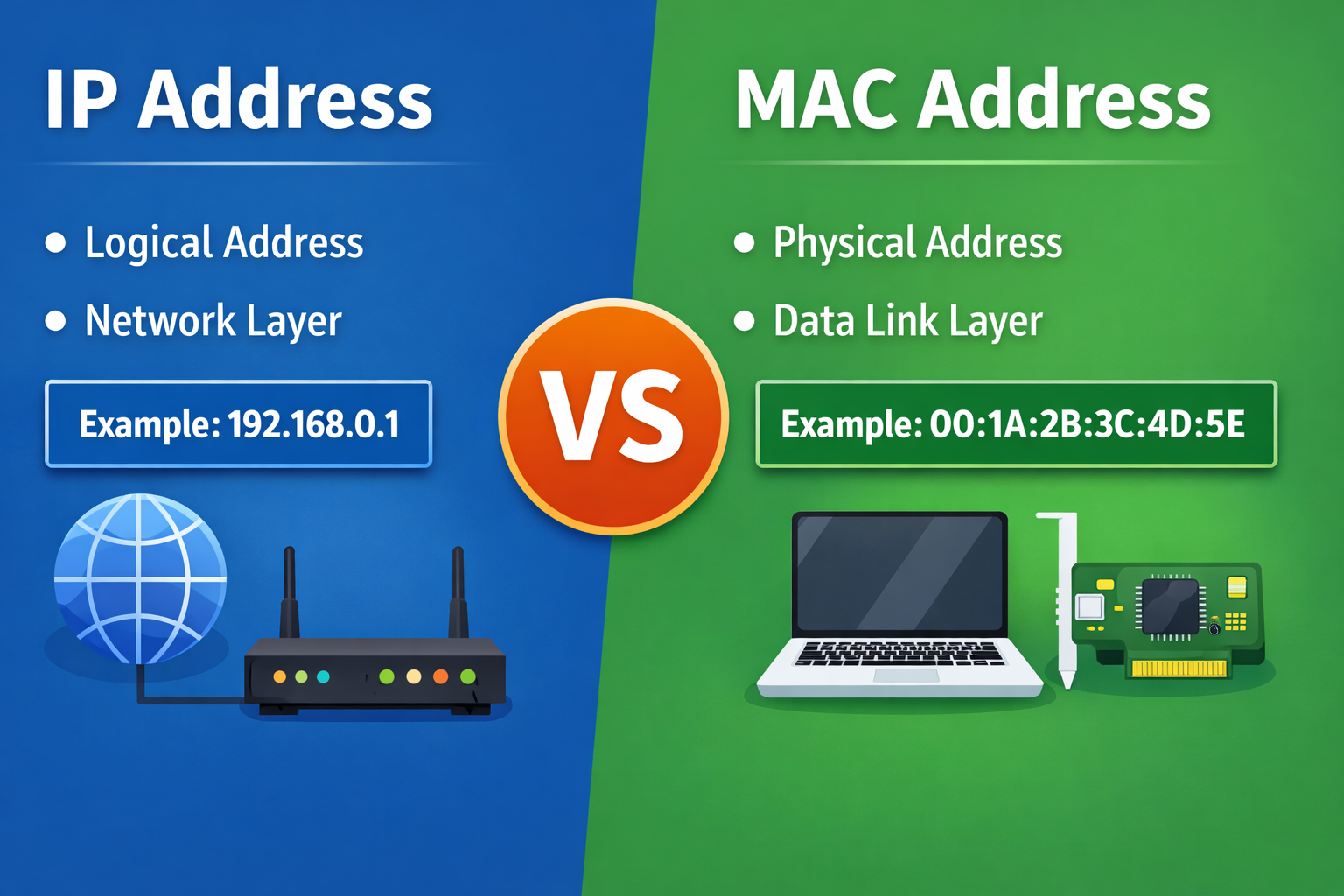
Figure: IP Address vs MAC Address
In computer networking, IP Address and MAC Address are two fundamental concepts that help devices communicate with each other. Although they are frequently mentioned together, they serve very different purposes and operate at different layers of a network.
This article provides a clear, beginner-friendly, and SEO-optimized comparison of IP Address vs MAC Address, including definitions, differences, examples, a comparison table, and FAQs.
What Is an IP Address?
An IP Address (Internet Protocol Address) is a logical address assigned to a device connected to a network. It helps identify a device’s location on a network so data can be routed correctly.
Key Characteristics of an IP Address
- Assigned dynamically or manually
- Can change over time
- Used for routing data across networks
- Works at the Network Layer (Layer 3) of the OSI model
Examples of IP Addresses
- IPv4: 192.168.1.1
- IPv6: 2001:0db8:85a3::8a2e:0370:7334
Types of IP Addresses
- Public IP Address: Used on the internet
- Private IP Address: Used within local networks
- Static IP Address: Fixed address
- Dynamic IP Address: Assigned automatically via DHCP
What Is a MAC Address?
A MAC Address (Media Access Control Address) is a physical hardware address assigned to a network interface card (NIC) by the manufacturer. It uniquely identifies a device on a local network.
Key Characteristics of a MAC Address
- Permanent (usually cannot be changed)
- Assigned by the manufacturer
- Used for local network communication
- Works at the Data Link Layer (Layer 2) of the OSI model
Example of a MAC Address
00:1A:2B:3C:4D:5E
Structure of a MAC Address
- First 3 bytes: Manufacturer ID (OUI)
- Last 3 bytes: Unique device identifier
IP Address vs MAC Address: Core Differences
| Feature | IP Address | MAC Address |
|---|---|---|
| Full Form | Internet Protocol Address | Media Access Control Address |
| Type | Logical address | Physical address |
| OSI Layer | Network Layer (Layer 3) | Data Link Layer (Layer 2) |
| Assigned By | Network / ISP / DHCP | Device manufacturer |
| Can Change | Yes | No (usually fixed) |
| Scope | Global (Internet & LAN) | Local network only |
Why Do We Need Both IP and MAC Addresses?
- IP Address finds where the device is on the network
- MAC Address identifies which exact device should receive the data
When data is transmitted:
- IP address routes data across networks
- MAC address delivers data within the local network
This process is handled using ARP (Address Resolution Protocol).
Real-World Example
- IP Address: Home address (city, street)
- MAC Address: Person’s name inside the house
Without either one, delivery would fail.
Can IP and MAC Addresses Be Tracked?
- IP Address: Can be tracked and reveals approximate location
- MAC Address: Not visible on the internet, used only in local networks
How to Find IP and MAC Address
Windows: ipconfig /all
Linux / macOS: ifconfig
Conclusion
Understanding the difference between IP Address vs MAC Address is essential for networking, cybersecurity, and troubleshooting.
IP Address identifies a device’s location, while MAC Address identifies the device itself.
Together, they form the backbone of modern network communication.
Want to check IP details instantly?
Try our free IP Lookup Tool to analyze IP addresses in real time.
Open IP Lookup Tool