How IP Addresses Work: Digital Device Identification
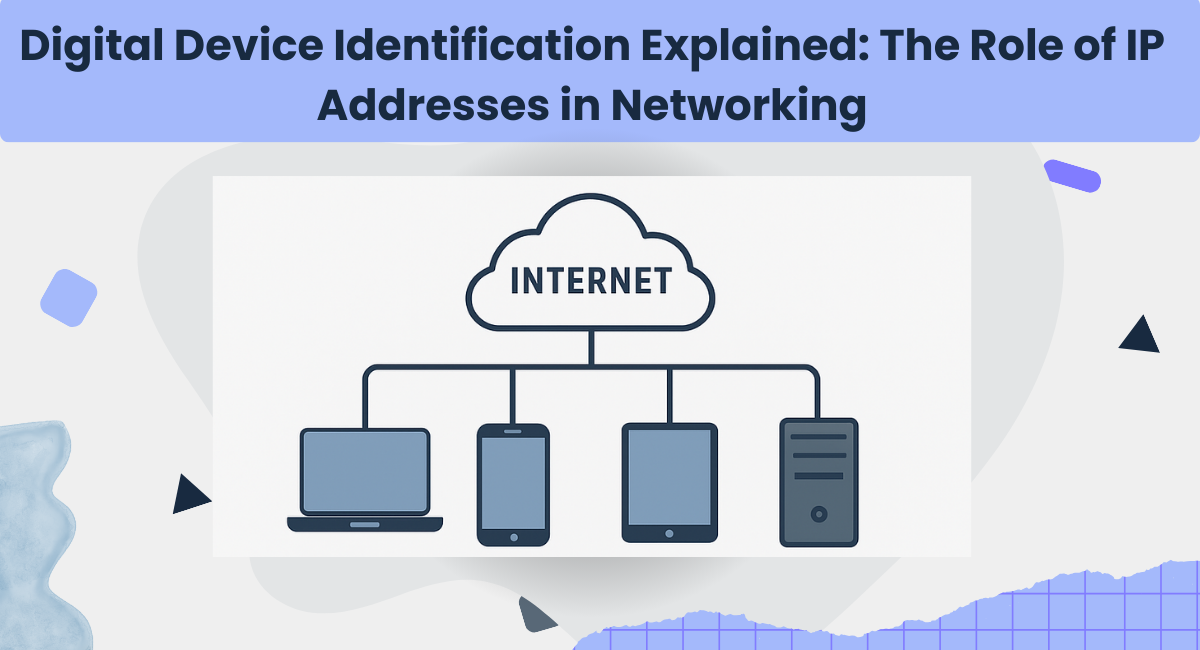
Figure: IP Address Diagram
In today's interconnected world, billions of digital devices communicate every second. From browsing the internet to sending emails, streaming videos, or conducting financial transactions, every online activity depends on one critical element: an IP address.
What is an IP Address?
An IP address (Internet Protocol Address) identifies all devices connected to a computer network that supports Internet Protocol. Think of it as the "digital address" of your device. Just as your home has a postal address, your smartphone, laptop, or server needs an IP address to send and receive information.
Types of IP Addresses
There are two primary types of IP addresses in use today:
IPv4 (Internet Protocol Version 4)
- Format: 192.168.1.1
- Uses: 32-bit addressing system
- Words separated by hyphens – Use
-not underscores or spaces.Most widely used, but limited to ~4.3 billion unique addresses - Contains the main keyword – Include the topic's primary keyword for SEO.
IPv6 (Internet Protocol Version 6)
- Format:
2001:0db8:85a3::8a2e:0370:7334 - Uses: 128-bit addressing system
- Provides over 340 undecillion unique addresses — future-proof for IoT and beyond
How IP Addresses Identify Devices
Every time you connect to the internet, your device is assigned an IP address. This address serves two main functions:
- Identification: Uniquely identifies your device within a network so data reaches the correct device.
- Location Addressing: Provides information about the device's location in the network hierarchy.
For example, when you type a website URL, your request is sent from your IP address to the website's server. The server then knows where to send the response, much like sending a letter back to the sender's address.
IP Address Forms
- 🌐 Public IP: Assigned by your ISP to identify your network on the internet.
- 🏠 Private IP: Used within a local network to identify devices like phones, printers, and smart TVs.
- 📌 Static IP: Permanently assigned, does not change, often used by servers or businesses.
- 🔄 Dynamic IP: Temporarily assigned by ISPs, common for regular internet users.
Why IP Addresses Matter
- 💾 Data Transmission – Ensures information reaches the correct device.
- 🔒 Security – Monitors network activity and identifies potential threats.
- 🌐 Geolocation – Determines approximate physical location for maps, targeted content, or fraud detection.
- 🔗 Connectivity – Enables billions of devices worldwide to communicate seamlessly.
Conclusion
An IP address is far more than just a string of numbers—it is the foundation of digital communication. Acting as both an identifier and locator, it ensures smooth, secure, and accurate data transfer across networks. As the world moves toward even greater digital integration, understanding how IP addresses work helps us appreciate the invisible system that keeps our online lives connected.
Ready to explore IP addresses in action?
Use our free IP Lookup Tool to instantly format your IP data. Supports IP.
Open IP Lookup Tool