How to Convert UNIX Timestamp to Date Using an Online Tool
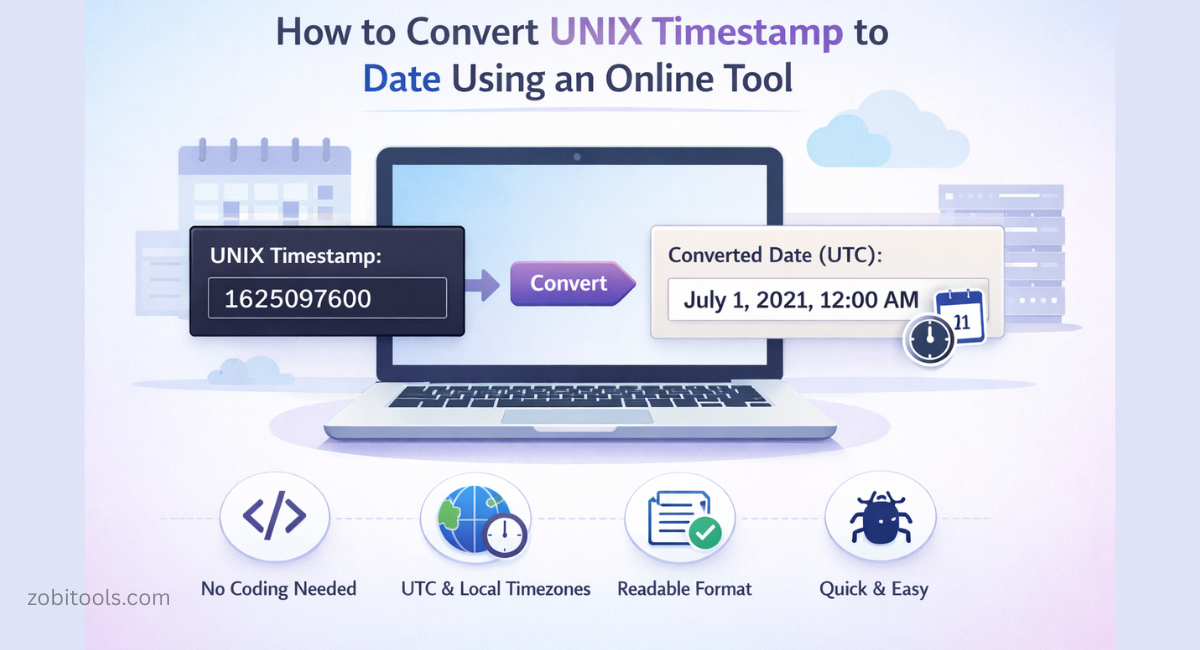
Figure: Online UNIX Timestamp Converter Tool
APIs, databases, server logs, and backend systems frequently rely on UNIX timestamps. Although machines understand them easily, humans find them difficult to read. That's why converting UNIX timestamps into readable date formats is essential for debugging, reporting, and displaying time correctly.
What Is a UNIX Timestamp?
A UNIX Timestamp represents the total number of seconds that have passed since January 1, 1970 (00:00:00 UTC) — known as the Unix Epoch.
Example:
1625097600This timestamp represents a specific moment in time, independent of time zones.
Why Use an Online UNIX Timestamp Converter?
- No coding required
- Instant results in any browser
- Supports UTC and local timezones
- Convert timestamp → date and date → timestamp
- Perfect for quick checks, debugging, and learning
How to Convert UNIX Timestamp to Date
- Enter your UNIX timestamp (e.g.,
1625097600) - Select timezone (UTC or Local)
- Choose output format (Human-readable, ISO, Custom)
- Click Convert
Convert Date Back to Timestamp
- Select Date → Timestamp
- Pick date & time
- Choose timezone
- Click Convert
Example Conversion
UNIX Timestamp:      1625097600
Converted Date (UTC): July 1, 2021, 12:00 AM
When Should You Use It?
- Debugging backend logs
- Checking API timestamps
- Learning UNIX time
- Converting dates without code
- Students, bloggers & beginners
Important Things to Remember
⚠ Seconds vs Milliseconds Some systems use milliseconds instead of seconds. Always double-check.
⚠ Timezone Awareness Confirm whether the output is UTC or local time.
Final Thoughts
An online UNIX timestamp converter is the fastest and easiest way to understand raw timestamps. It saves time, avoids coding, and makes your data human-friendly instantly.