Free URL Shortener: Create Short Links Instantly Online
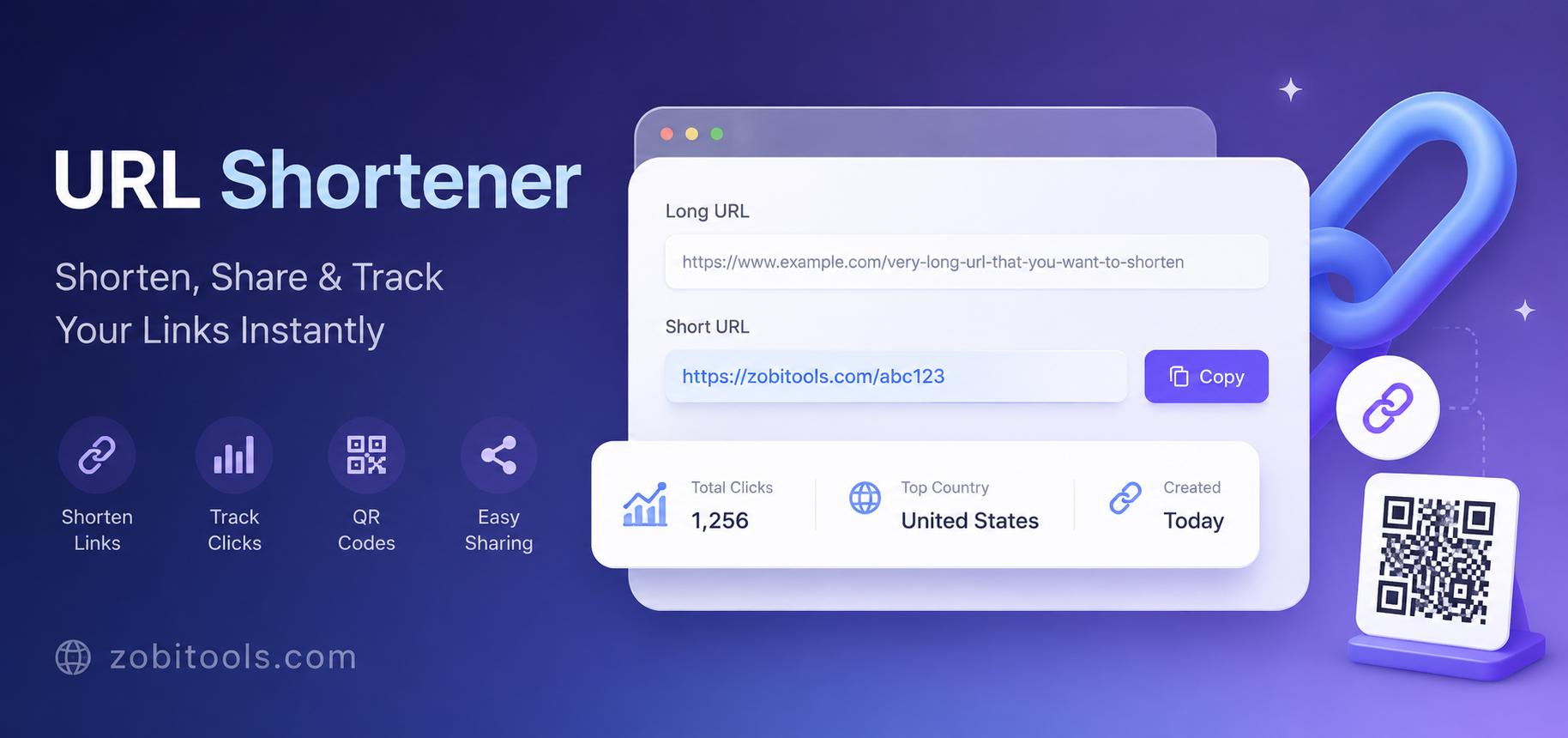
Figure: Convert long URLs into short, clean, and shareable links instantly with the ZobiTools URL Shortener.
Key Features of a URL Shortener
A modern URL shortener does much more than simply reduce the length of a web address. It helps users create cleaner, easier-to-share links while improving usability across websites, social media platforms, emails, and marketing campaigns.
- Convert long URLs into short, readable links instantly.
- Create custom aliases for branded and memorable links.
- Generate QR codes for quick mobile sharing.
- Copy shortened links with a single click.
- Share links directly to social media platforms.
- Track clicks and engagement (if analytics are enabled).
- Support HTTPS for secure sharing.
- Create mobile-friendly links for all devices.
- Reduce clutter in emails, blogs, and documents.
- Perfect for SEO, affiliate marketing, and digital campaigns.
Manual URLs vs URL Shortener
| Feature | Long URL | Short URL |
|---|---|---|
| Length | Very Long | Compact |
| Easy to Share | Difficult | Very Easy |
| Professional Appearance | Average | Excellent |
| Social Media Friendly | Limited | Yes |
| QR Code Generation | Not Available | Supported |
| Analytics | Usually Not Available | Available |
| Branding | Limited | Custom Alias Supported |
Best Practices for Using a URL Shortener
Tips for Better Link Management
- Use descriptive custom aliases whenever possible.
- Always shorten secure HTTPS websites.
- Test every shortened link before sharing.
- Keep destination pages updated and accessible.
- Use branded links to improve trust and recognition.
- Track performance using analytics if available.
- Use QR codes for printed materials and presentations.
- Organize links for marketing campaigns.
Common Mistakes When Shortening URLs
Even though URL shorteners are simple to use, people often make mistakes that reduce trust or cause broken links.
- Sharing a shortened link without testing it.
- Using suspicious or misleading custom aliases.
- Shortening unsafe or malicious websites.
- Creating multiple shortened links for the same page unnecessarily.
- Using temporary links for permanent content.
- Ignoring analytics and click performance.
- Using shortened links where the full URL is more appropriate, such as legal documents.
Security Tips for URL Shorteners
Stay Safe While Sharing Links
- Only shorten links from trusted websites.
- Avoid clicking unknown shortened URLs from strangers.
- Use HTTPS links whenever possible.
- Verify the destination before sharing publicly.
- Regularly check your links to ensure they still work.
- Do not use URL shorteners to disguise harmful or deceptive content.
- Choose reliable URL shortening services that prioritize security.
Who Should Use a URL Shortener?
A URL shortener is useful for anyone who regularly shares links online.
- Bloggers
- Content Creators
- Digital Marketers
- SEO Professionals
- Affiliate Marketers
- Business Owners
- Social Media Managers
- YouTubers
- Students
- Teachers
- Developers
- Freelancers
- Online Store Owners
- Email Marketing Teams
- General Internet Users
💡 Pro Tip
For the best user experience, combine a short URL with a clear, descriptive custom alias and always verify that the destination page loads correctly before sharing it. This builds trust with your audience and improves the effectiveness of your links across social media, blogs, emails, and marketing campaigns.
Create Short URLs in Seconds
Use the free ZobiTools URL Shortener to transform long links into clean, secure, and easy-to-share URLs. Perfect for social media, blogs, email campaigns, affiliate marketing, and business use.
Open URL Shortener