Convert Unix Timestamp to Date in JavaScript (Step-by-Step Guide)
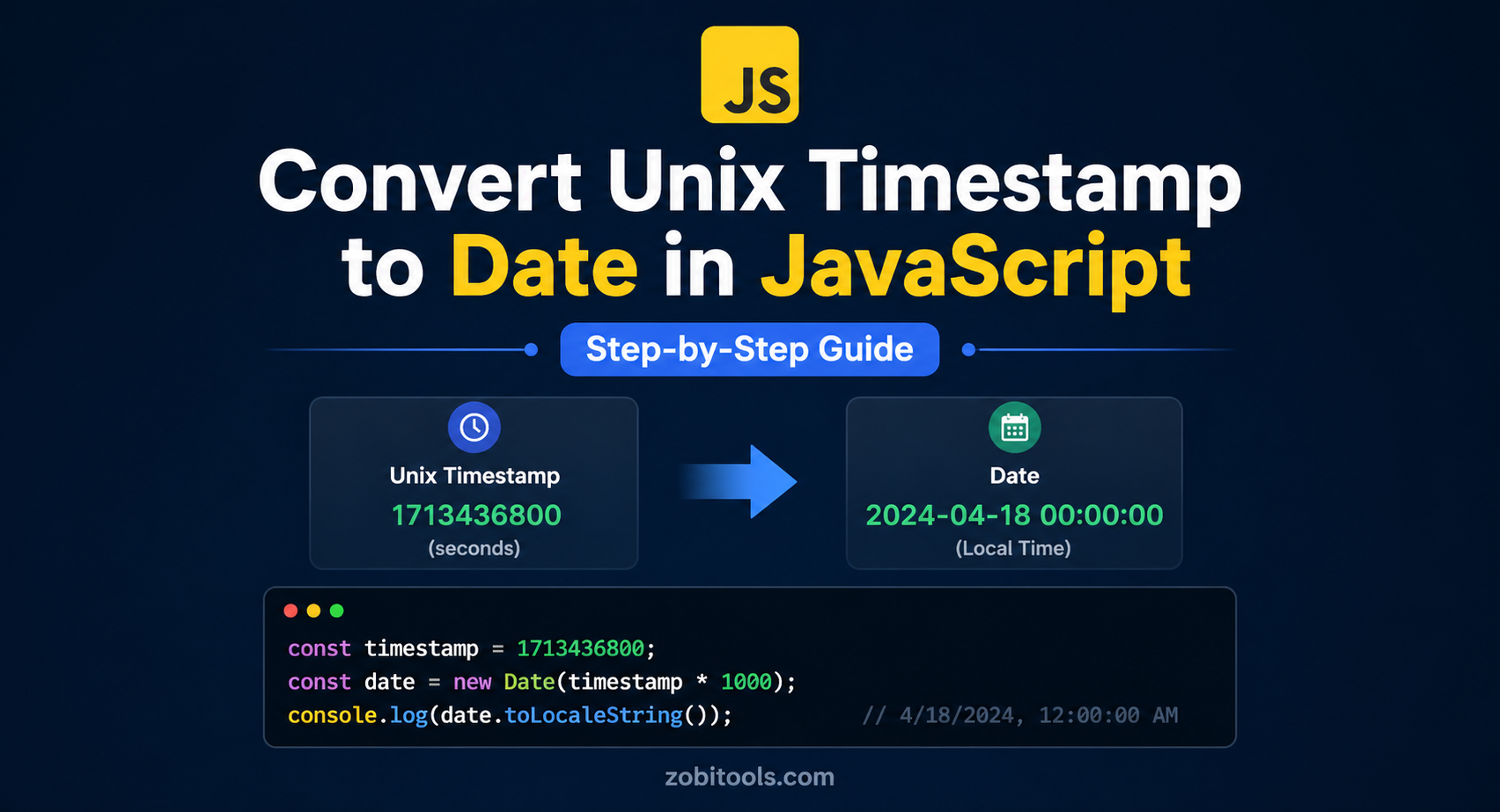
Figure: Converting Unix Timestamp to Date in JavaScript
Working with timestamps is a common task in modern web development, especially when dealing with APIs, databases, and server logs. However, Unix timestamps are not human-readable, making them difficult to understand at a glance.
What Is a Unix Timestamp?
A Unix timestamp (Epoch time) represents the number of seconds that have passed since January 1, 1970 (UTC).
Example:
1714556800This value represents a specific date and time, but it is not human-readable.
Why Convert Timestamp to Date?
- Display user-friendly dates in UI
- Debug API responses
- Logging and monitoring systems
- Working with databases
Step-by-Step Conversion in JavaScript
✅ Basic Conversion
const timestamp = 1714556800;
const date = new Date(timestamp * 1000);

console.log(date);
✅ Convert to Readable Format
const date = new Date(1714556800 * 1000);
console.log(date.toLocaleString());
👉 Output: 5/1/2024, 12:00:00 AM
✅ Format Specific Date
const date = new Date(1714556800 * 1000);

const formatted = date.toLocaleDateString("en-US", {
  year: "numeric",
  month: "long",
  day: "numeric"
});

console.log(formatted);
👉 Output: May 1, 2024
🌍 Convert to UTC Time
const date = new Date(1714556800 * 1000);
console.log(date.toUTCString());
👉 Output: Wed, 01 May 2024 00:00:00 GMT
🔁 Convert Date Back to Timestamp
const now = new Date();
const timestamp = Math.floor(now.getTime() / 1000);

console.log(timestamp);
Common Mistakes
| Issue | Details |
|---|---|
❌ Missing * 1000 | new Date(1714556800) gives incorrect result |
| ⚠️ Seconds vs ms | Always verify the format your API returns |
| 🌍 Timezone issues | Use UTC methods when timezone consistency matters |
✔ Fix:
new Date(1714556800 * 1000)
Real-World API Example
API response:
{
  "created_at": 1714556800
}
Converting it:
const apiData = { created_at: 1714556800 };

const readable = new Date(apiData.created_at * 1000);

console.log(readable.toLocaleString());
When to Use UTC vs Local
| Use Case | Recommended | Example |
|---|---|---|
| APIs / Backend | UTC | toUTCString() |
| UI Display | Local Time | toLocaleString() |
| Logs / Debugging | UTC | Consistent across servers |
Best Practices
- Always confirm timestamp format (seconds or milliseconds)
- Use UTC for backend systems
- Format dates before displaying
- Create reusable helper functions
Helper Function
function convertTimestamp(ts) {
  return new Date(ts * 1000).toLocaleString();
}

console.log(convertTimestamp(1714556800));
FAQs
Fastest way?
Use new Date(timestamp * 1000)
Wrong date issue? Check multiplication or timezone
Seconds or milliseconds? JavaScript uses milliseconds
Final Thoughts
Converting Unix timestamps in JavaScript is simple once you understand the difference between seconds and milliseconds. Using the correct methods ensures accurate and readable dates in your applications.