Common JSON Errors & Fixes (With Examples)
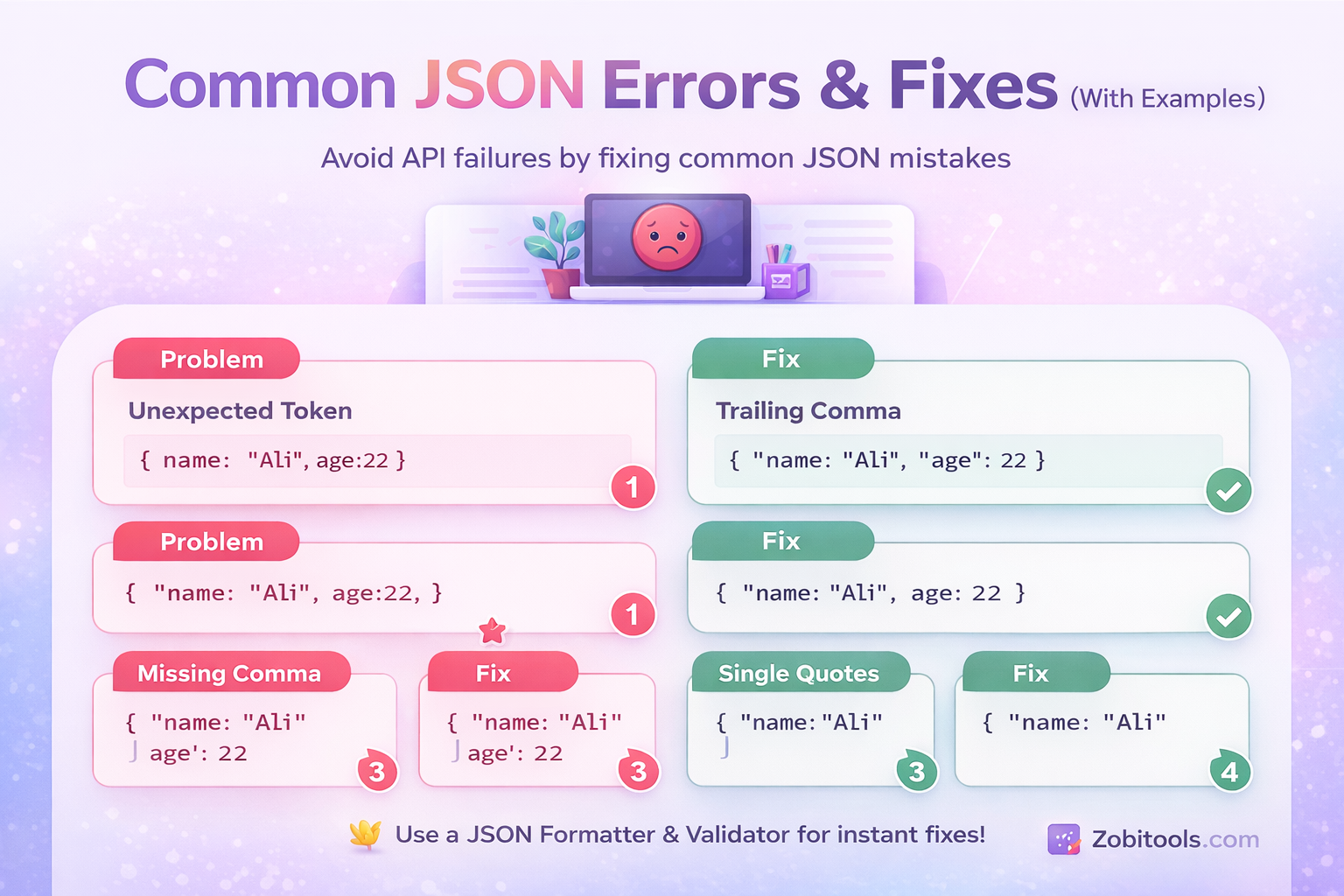
Figure: Common JSON Errors & Fixes
JSON (JavaScript Object Notation) is widely used in APIs, web apps, and databases. But even a tiny mistake can break your entire application.
This guide covers the most common JSON errors and how to fix them with real examples.
What Is a JSON Error?
A JSON error happens when your data does not follow strict JSON syntax rules.
- Missing commas
- Wrong quotes
- Extra brackets
👉 Even a small mistake makes JSON invalid.
Common JSON Errors & Fixes
1️⃣ Unexpected Token Error
❌ Problem
{name: "Ali", age: 22}
✔ Fix
{
  "name": "Ali",
  "age": 22
}
👉 Always use double quotes for keys.
2️⃣ Trailing Comma Error
❌ Problem
{
  "name": "Ali",
  "age": 22,
}
✔ Fix
{
  "name": "Ali",
  "age": 22
}
3️⃣ Missing Comma
❌ Problem
{
  "name": "Ali"
  "age": 22
}
✔ Fix
{
  "name": "Ali",
  "age": 22
}
4️⃣ Single Quotes Error
❌ Problem
{
  'name': 'Ali'
}
✔ Fix
{
  "name": "Ali"
}
5️⃣ Unexpected End of Input
❌ Problem
{
  "name": "Ali",
  "age": 22
✔ Fix
{
  "name": "Ali",
  "age": 22
}
6️⃣ Invalid Data Types
❌ Problem
{
  "age": "twenty-two"
}
✔ Fix
{
  "age": 22
}
7️⃣ Extra Brackets
❌ Problem
{
  "user": {
    "name": "Ali"
  }
}}
✔ Fix
{
  "user": {
    "name": "Ali"
  }
}
How to Fix JSON Errors Fast
Instead of manual debugging, use tools:
- ✔ Detect errors instantly
- ✔ Highlight issues
- ✔ Format JSON
- ✔ Validate structure
Pro Tips
- Always use double quotes
- Avoid trailing commas
- Keep clean indentation
- Validate before API usage
Conclusion
JSON errors are common but easy to fix.
By understanding these mistakes, you can debug faster, avoid crashes, and write cleaner code.