Base64 Encoder vs Decoder: What It Is and How It Works
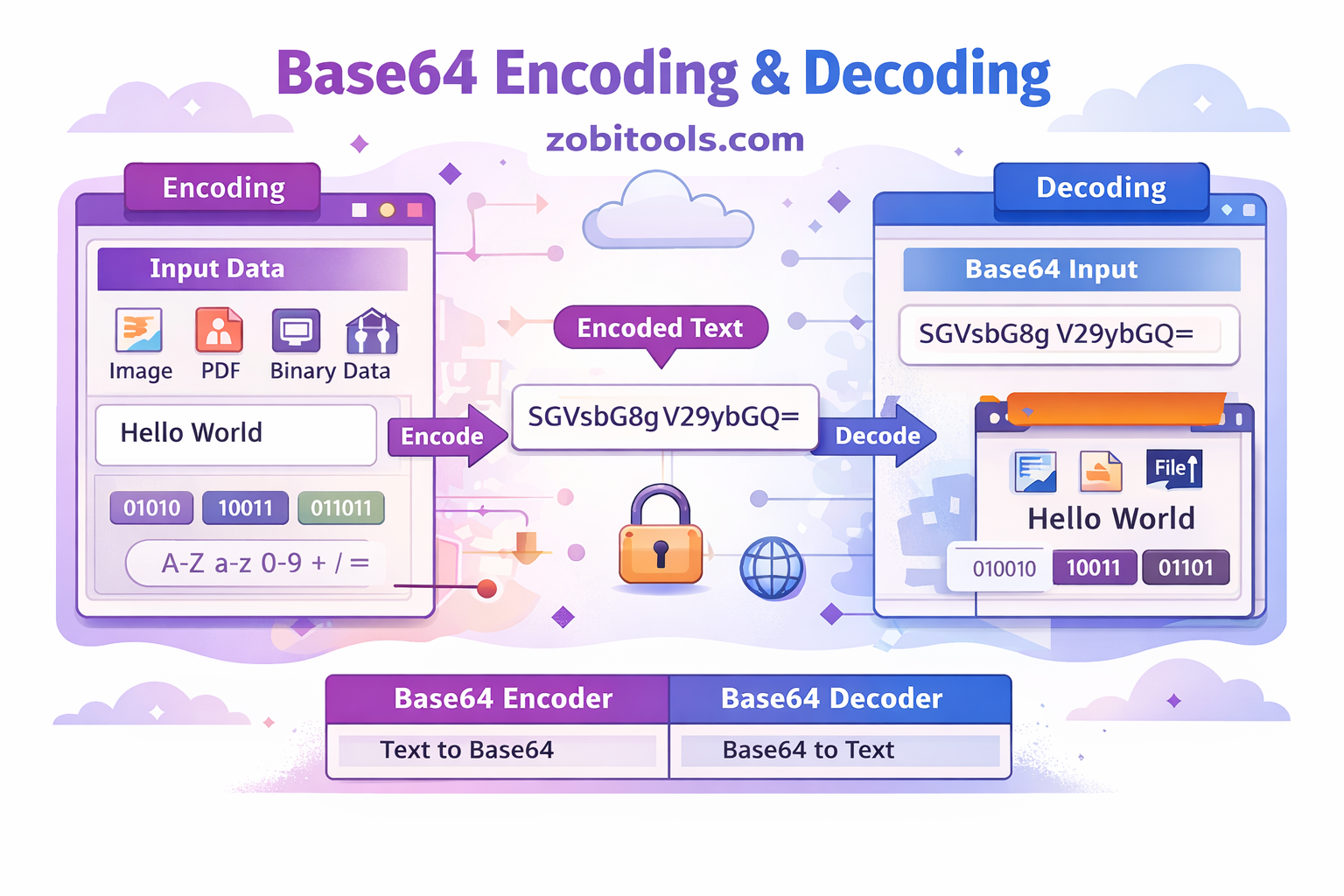
Figure: Base64 Encoding and Decoding Process
In modern web development and data communication, Base64 encoding is widely used to safely transfer and store data. Developers often encounter Base64 Encoder and Base64 Decoder tools while working with APIs, images, tokens, and secure data transmission.
This guide explains what Base64 is, the difference between encoder and decoder, how they work, and when you should use each.
What Is Base64?
Base64 is a data encoding method that converts binary data into a readable text format using ASCII characters.
It transforms complex data such as images, files, tokens, binary data, and API responses into a text string that can be safely transmitted over the internet.
Base64 uses the following characters:
- A–Z
- a–z
- 0–9
+and/=(padding)
This ensures compatibility with systems that only support text-based communication.
What Is a Base64 Encoder?
A Base64 Encoder converts normal text or binary data into Base64 encoded format.
Example
Original Text:
Hello World

Encoded Output:
SGVsbG8gV29ybGQ=
How It Works
- Text is converted into binary
- Binary is grouped into 6-bit chunks
- Each chunk is mapped to Base64 characters
- Output becomes an encoded string
Use Cases
- API authentication
- Email attachments
- Image embedding
- Data transmission
- Secure text conversion
What Is a Base64 Decoder?
A Base64 Decoder converts encoded Base64 data back into the original readable format.
Example
Encoded Text:
SGVsbG8gV29ybGQ=

Decoded Output:
Hello World
How It Works
- Base64 characters are mapped back to binary
- Binary is converted into original text
- Original data is restored
Base64 Encoder vs Decoder
| Feature | Encoder | Decoder |
|---|---|---|
| Direction | Text → Base64 | Base64 → Text |
| Purpose | Prepare data for transfer | Restore original data |
| Input | Plain text / binary | Base64 string |
| Output | Base64 string | Plain text / binary |
When Should You Use Base64 Encoder?
- Sending data through APIs
- Embedding images in HTML or CSS
- Storing binary data as text
- Transmitting files
- Encoding tokens
data:image/png;base64,iVBORw0KGgoAAAANS...
When Should You Use Base64 Decoder?
- Receiving encoded data
- API returns Base64 response
- Debugging encoded content
- Converting Base64 images
- Reading encoded tokens
SGVsbG8= → Hello
Real-World Example: API Authentication
Many APIs use Base64 for authentication.
username:password

Encoded:
dXNlcm5hbWU6cGFzc3dvcmQ=

Authorization Header:
Basic dXNlcm5hbWU6cGFzc3dvcmQ=
Advantages of Base64
- Safe data transmission
- Text-friendly encoding
- Easy to use
- Works in all systems
- Useful in APIs
- Supports binary data
Limitations of Base64
- Increases file size by about 33%
- Not encryption
- Can be decoded easily
- Not secure for sensitive data
⚠️ Important: Base64 is encoding, not encryption.
Base64 Encoding vs Encryption
| Feature | Base64 | Encryption |
|---|---|---|
| Security | No | Yes |
| Purpose | Convert data to text | Protect data |
| Reversible | Yes (no key needed) | Requires key |
| Use | Data transfer | Data protection |
Common Use Cases
- Web development (images and files)
- APIs (authentication data)
- Email systems (attachments)
- JSON data (binary conversion)
- Tokens (credentials encoding)
How to Encode and Decode Base64 Online
You can easily encode or decode Base64 using online tools. This process is simple and helps developers quickly convert data without writing code.
Steps:
- Enter your text or file
- Click Encode
- Copy the Base64 output
- Or paste Base64 and click Decode
This helps developers save time and work efficiently while working with APIs, images, and encoded data.
FAQ
What is Base64 used for? Base64 is used to encode binary data into text so it can be safely transmitted over the internet.
Is Base64 secure? No, Base64 is not encryption. It only converts data into a readable format and can be decoded easily.
Why does Base64 increase file size? Because binary data is converted into text characters, Base64 increases file size by about 33%.
Can Base64 be decoded? Yes, Base64 can be easily decoded using any Base64 decoder tool.
Conclusion
Base64 Encoder and Decoder are essential tools for developers and web applications. Encoding converts data into a safe text format, while decoding restores the original data.
Base64 is widely used in APIs, images, authentication, and data transmission, making it an important concept for modern development.
If you regularly work with APIs or web tools, using a Base64 Encoder and Decoder can significantly improve your workflow.